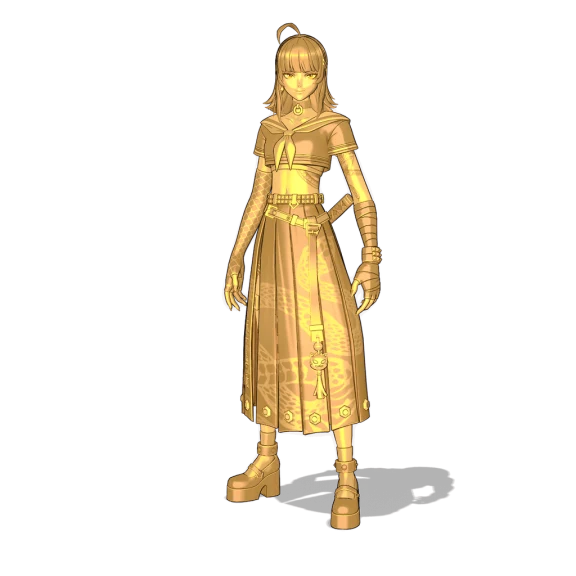
FIND THE GOLD
OUTFIT CARD.
Open Locker → Outfits
Clear the filters and search for “Gilded”.
Select Gilded Charlotte-Sensei
Find the separate gold Outfit card. See the gold outfit in Fortnite.GG’s catalog.
Check Archived
If it’s missing from your search, open Sort & Filter → Archived.
PASS REWARD OR
CHEST TREASURE?
Gilded Charlotte-Sensei
Open the Treasure Hunters Battle Pass and check that your current Epic account owns it. Then check the outfit list in your Locker.
Golden Week chest rewards
For returning Gold Outfits such as Solid Gold Miku, check the returning chest pool.
STILL MISSING IT?
Check the exact card and Archived
Search Outfits for Gilded Charlotte-Sensei, then check Sort & Filter → Archived.
Reopen Fortnite on the pass account
Quit the game fully and sign back into the Epic account that owns the Treasure Hunters Battle Pass.
Check gifted passes or Crew
Epic fixed missing grants for gifted passes. If your Crew benefits are also missing, start Fortnite on the platform you subscribed on.
Ask Epic to check your account
Have the outfit name, platform, how you got the pass and any Locker screenshots ready for Fortnite Support.