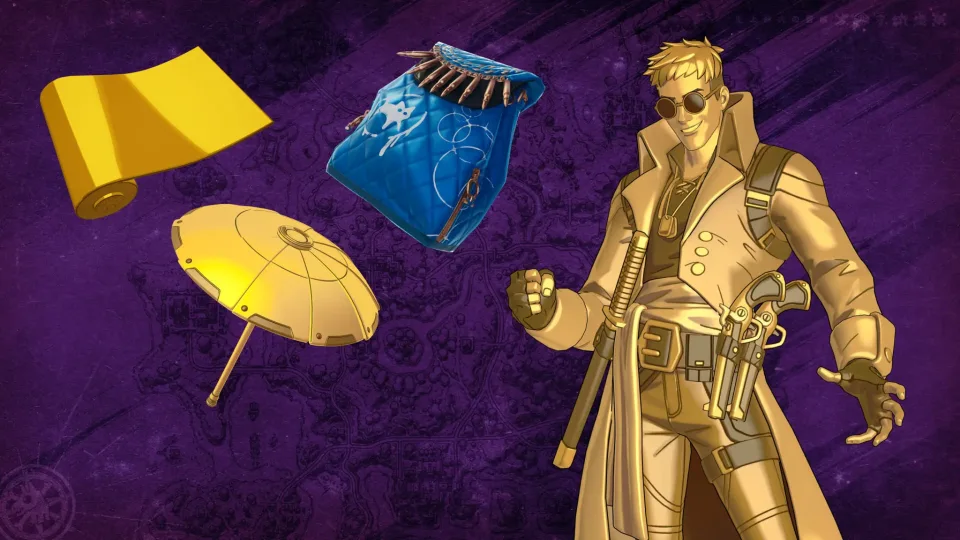
LINK, WATCH,
THEN CLAIM.
Link the Epic account you play on
Use Epic’s Twitch Drops page. Check both account names before you start watching.
Find a participating stream
Open Twitch Drops Campaigns and choose Fortnite. The Golden Jonesy campaign card lists eligible channels and the required watch time.
Claim from your phone or computer
Select Claim in Drops Inventory by the time shown in your Twitch notification. Then check Locker → Outfits.
WHERE ARE
YOU STUCK?
I haven’t linked my account, or I linked the wrong one
- Sign into Epic using the platform account you play Fortnite on. Check the platform and display name under linked accounts.
- Use Epic’s Drops page to link the Twitch account you’ll watch on before the campaign.
- If a Cabined Account blocks linking, follow Epic’s parent or guardian steps.
I can’t find a channel, or my progress stays at zero
- Choose a channel from the Fortnite campaign’s participating list and look for the DropsEnabled tag.
- Stay signed in and watch one eligible live stream at a time. Check the progress bar in Drops Inventory.
I am at 99% or I can’t find Claim
- Open Drops Inventory directly and check for a Claim button.
- If the campaign has earlier steps, claim any completed Drop the campaign asks you to finish first. Epic’s steps for a stuck progress bar.
Twitch says Claimed, and the outfit is missing
- Check the linked Epic account. Reopen Fortnite on that account, clear Locker filters and search for Golden Jonesy.
- Keep the reward’s Claimed status handy. Epic says delivery can take up to 14 days in some cases. See Epic’s delivery and support steps.
TWO REWARDS,
TWO CLAIMS.
Golden Jonesy
Watch an eligible Fortnite Twitch stream during the campaign, then claim in Drops Inventory.
Golden Community ’Brella
Log into Fortnite from until the chapter event wraps up.